
 Vault · DC
The completist
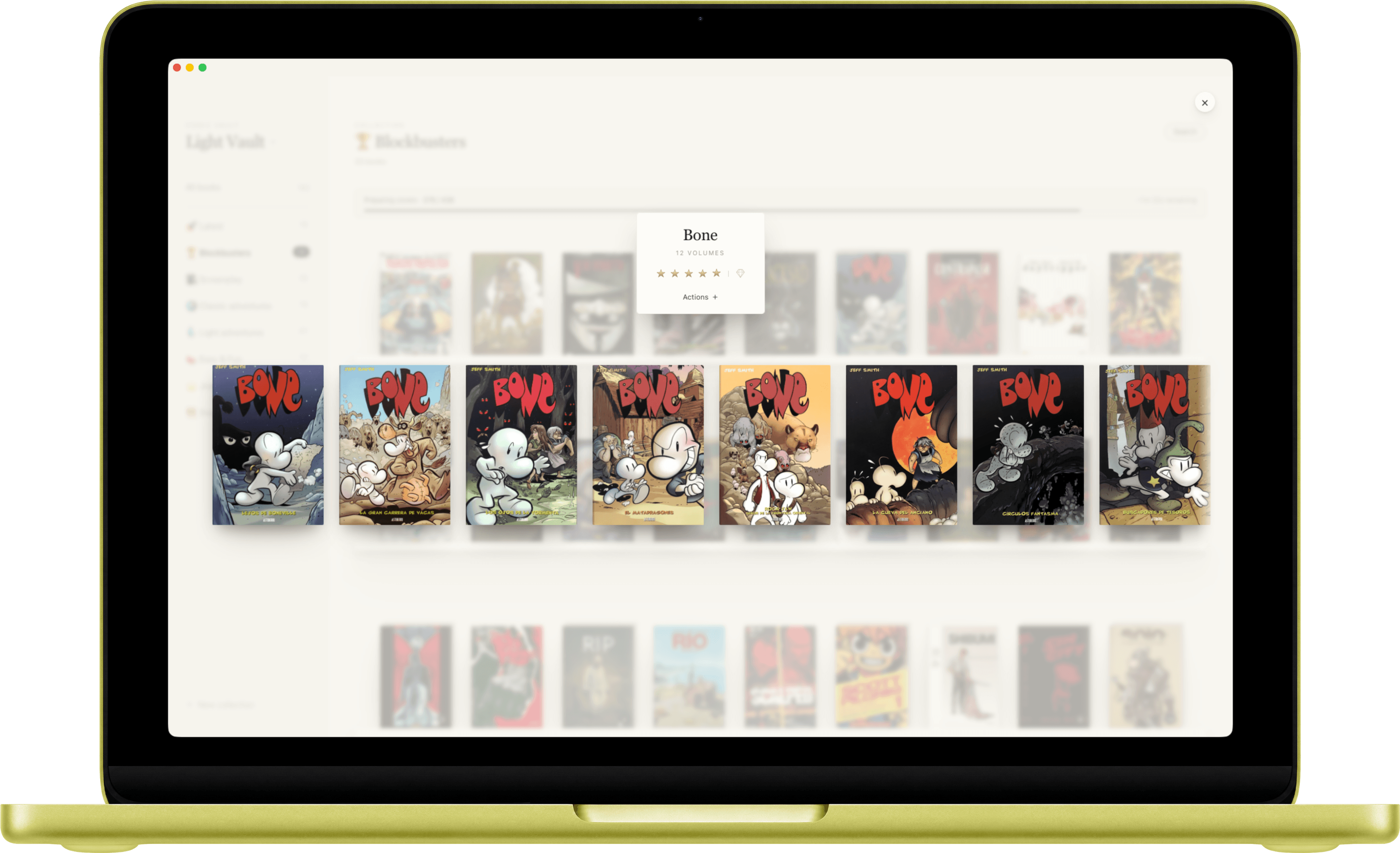
Open the deluxe Batman: The Killing Joke at full size, admire Brian Bolland's cover with nothing in the way, mark it five stars next to your other keepers. Three seconds.
Point Shelf Republic at the folders you've spent years organizing and get a visual library in seconds. Isolated vaults, oversized covers with front-to-back flip, and one click to open any issue in the reader you already use, without changing a single thing about how it's already arranged.
One-time $39 · 14-day money-back · No account required
“It's the Obsidian for comic collections.”
You've spent years, maybe decades, building a taxonomy on disk. A root folder per publisher, subfolders per character or saga, special editions kept apart. It's a personal order that reflects how you think about your collection.
The trouble starts when you want to see it. Inventory apps ignore your folders and lock your collection in their cloud. File-based readers respect your folders, but were built for server admins, not for someone who wants to enjoy their covers on a Sunday afternoon.
CLZ, iCollect: built as databases with a barcode scanner on top. Your art, reduced to tabbed lists and 80×120px thumbnails.
Spider-Man next to Tintín in the same grid, forced into US-centric fields: UPC barcode, variant cover, CGC grade.
Kavita, Komga, YACReader read folders, but mean Docker, SMB permissions and a technical UI. Powerful, joyless.
Move a folder in Finder and the app updates. Rename a CBZ in the app and the file renames on disk. There's no sync queue and no reconciliation. There's a single state. Your organization isn't data you feed an app; it's the reality the app reflects.
Each vault points to its own root folder on disk. One click between your complete Marvel and your bande dessinée. Filters, tags, ratings and search stay independent per vault. The American taxonomy (publisher, issue, variant) never contaminates the European one (dessinateur, scénariste, intégrale).
Vault · DCOpen the deluxe Batman: The Killing Joke at full size, admire Brian Bolland's cover with nothing in the way, mark it five stars next to your other keepers. Three seconds.
 Vault · Européens
Every Tintín in publication order. Filter to the black-and-white facsimiles. Tag four albums “first edition”. Admire the 1936 Blue Lotus you scanned yourself.
 Vault · Manga
A third vault, with none of the American fields. Different stack rules: one stack per mangaka, volumes assumed right-to-left.
Oversized covers on virtual shelves. The cover is the protagonist, not a thumbnail.
Flip any book to its back cover. The McFarlane without text; the facsimile you scanned yourself.
A whole run folds into one spine. Expand to see every volume, in order.
By author, genre, rating or any custom tag. Find one book among 3,500 in seconds.
Two clicks and the file opens in the viewer you already use: YACReader, Preview, Comickaze, any format. No new reader to learn.
No import, no migration, no database to fill. Your folder is your collection.
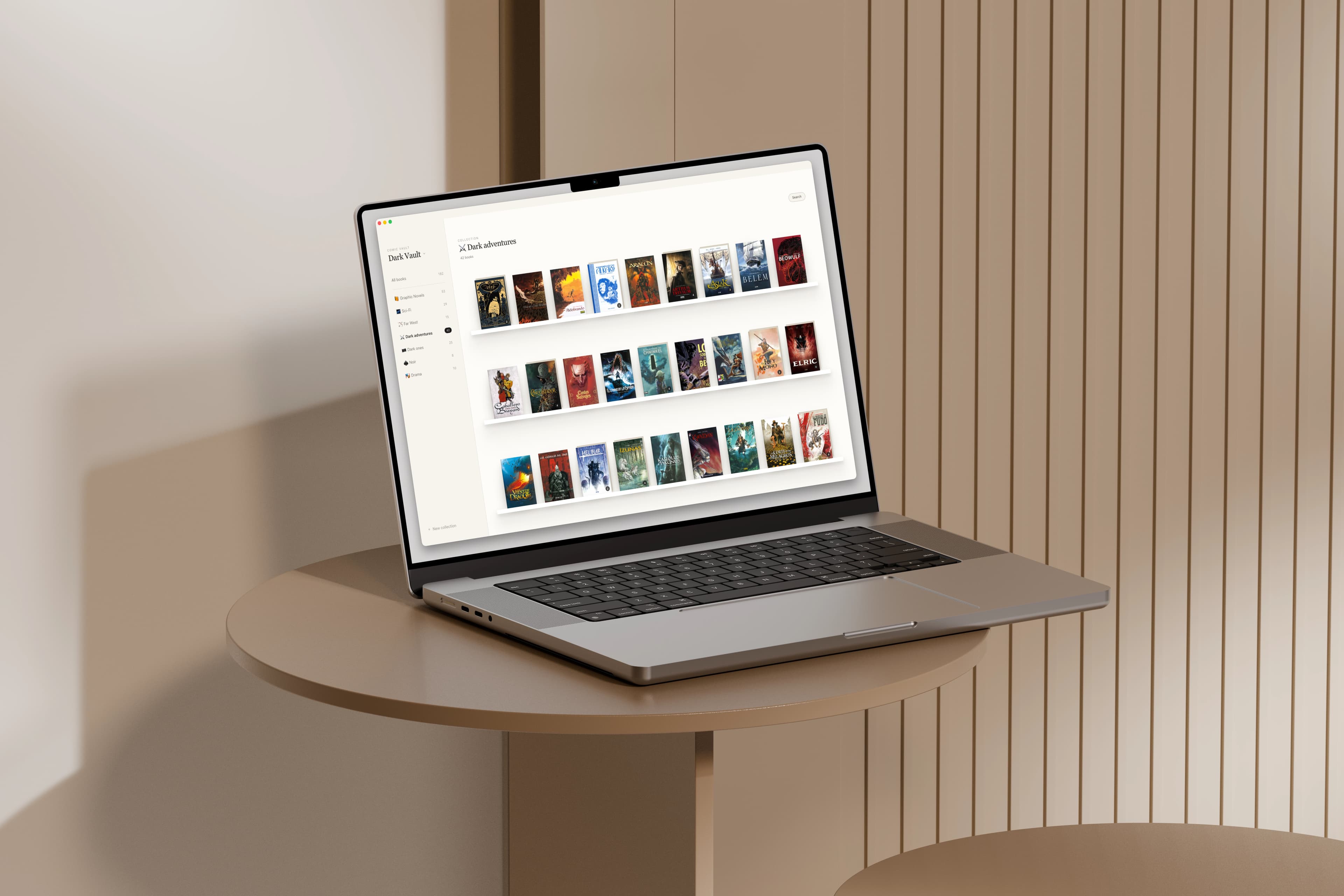
Point it at your root folder and get a complete visual library in minutes, without touching a single file. The collector with 3,500 comics never abandons a hand-made taxonomy for a pretty interface.
See your covers big again. Flip the back of a first edition. Browse your Corto Maltese shelf on a Sunday with nothing to look for. Feel what you felt when you bought each one.
There's no proprietary database to fill, so there's nothing to be held hostage. The contract is simple: your files are yours and your organization is sacred.
The folder you have is the collection you have.
Files stay standard CBR/CBZ/PDF, readable by any viewer.
Your comics live in your folders, not inside the app.
Unlike Kavita or Komga, there's no server to configure.
one-time
Launch price. Regular $49 after launch week.
No cloud database to run on our side, so there's no subscription to charge on yours.
No. Point it at your root folder and your library appears. Your files are never moved or copied. The app reads the folder as it is.
CBR, CBZ and PDF, with covers extracted automatically.
No, and that's on purpose. Two clicks and a comic opens in the viewer you already use: YACReader, Preview, Comickaze, whatever your default is. Any format, since it's your reader doing the opening. The app is the visual library, not another reader to learn.
Nothing. They stay as standard CBR/CBZ/PDF in your folders. The app is a viewer, not an owner. You keep the collection, you only lose the viewer.
Always. No account, no cloud, no telemetry. Everything runs on your machine.
macOS first. What ships now is a native desktop app for macOS (Apple Silicon + Intel). Windows is coming soon: tell us you want it from the Windows page and we'll notify you the day it lands.
Yes, that's exactly what vaults are for. Each points to its own folder, with independent tags, filters and ratings.
You don't migrate, you read. Point a vault at your files, or import a CSV export from CLZ.
A 14-day, no-questions-asked money-back guarantee.
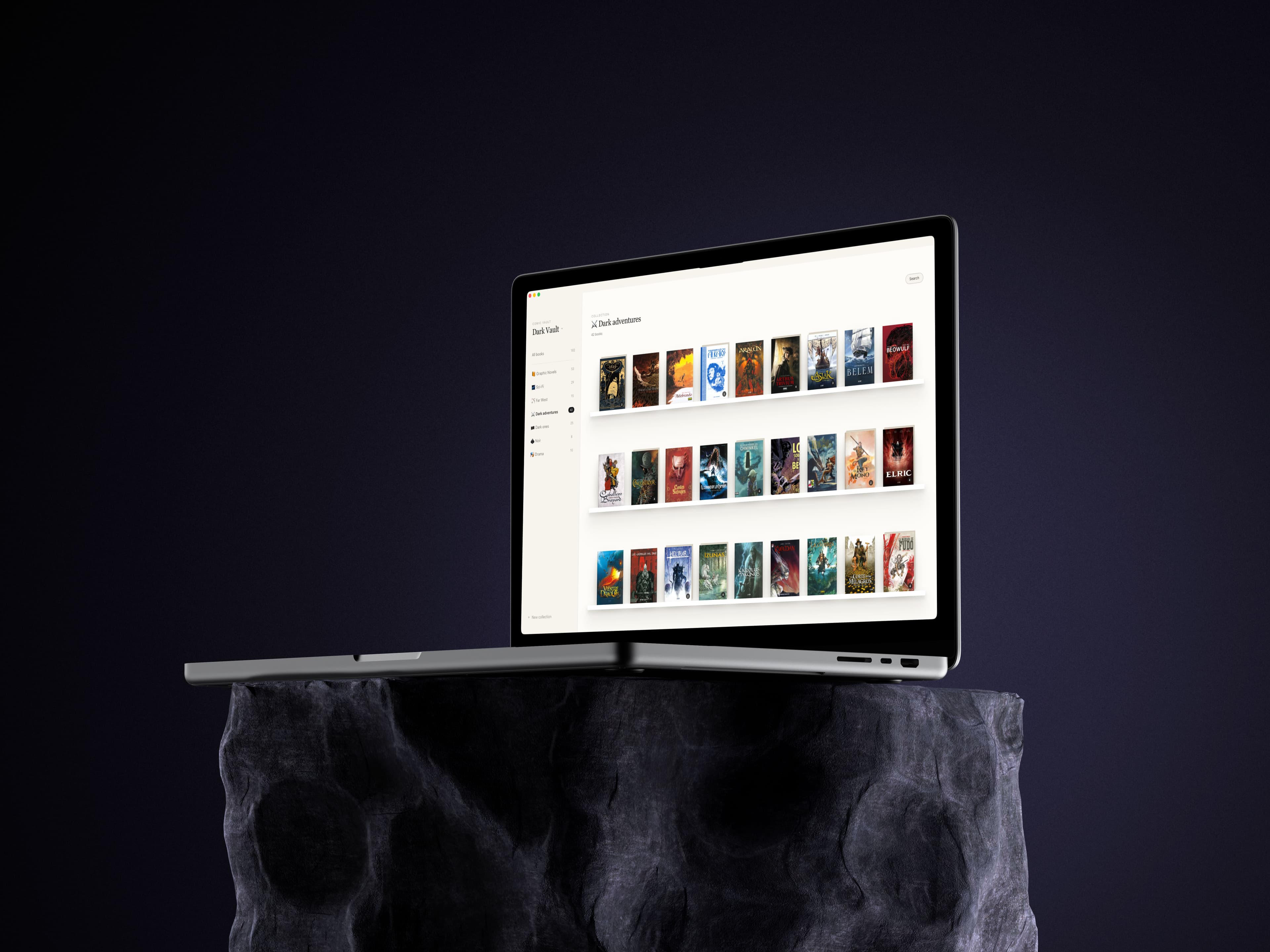
No migrating, no importing, no losing your structure.
macOS 12+ · Windows coming soon